A Country field for ACF that just works
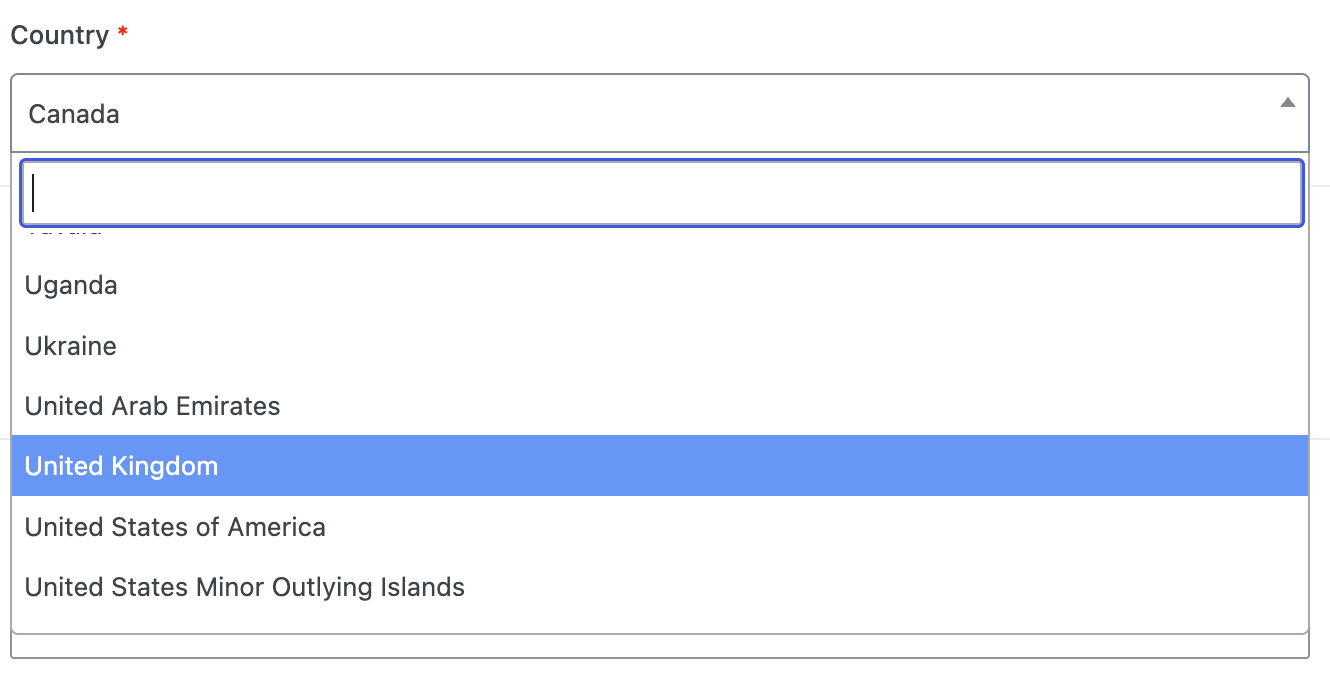
WebberZone ACF Country adds a proper Country field type to Advanced Custom Fields: a select of every ISO 3166-1 country, in English, with the same options and saved-value structure as a standard ACF select field.
A clean, minimal field type
The field type registers on ACF's own acf/include_field_types hook, so it's always available regardless of theme or plugin load order.
Country select field
Every ISO 3166-1 country, in English, presented as a standard ACF select field.
Same options as core select
Allow null, allow multiple, and default value, configured exactly like a native ACF select field.
Three return formats
Country code and name together, code only, or name only, set per field.
Drop-in replacement, no data migration
Field configuration and saved values use the same structure as a standard ACF select field. If you're switching from another Country field-type plugin built on the same convention, your existing field groups and saved data keep working. Nothing to re-save or migrate.
Filter the country list
Remove or add countries with the wzacf_countries filter:
add_filter( 'wzacf_countries', function( $countries ) {
	unset( $countries['AQ'] ); // Remove Antarctica.
	return $countries;
} );
Installation
-
Install the plugin
Upload the plugin files to
/wp-content/plugins/webberzone-acf-country, or install it through the WordPress plugins screen directly. -
Activate it
Activate the plugin through the Plugins screen in WordPress. Requires Advanced Custom Fields (or ACF PRO) to be installed and active.
-
Add the field
Add a field of type Country to any ACF field group.
What you need
WordPress 6.6+, PHP 7.4+, and Advanced Custom Fields (or ACF PRO). See the releases page for the changelog.